
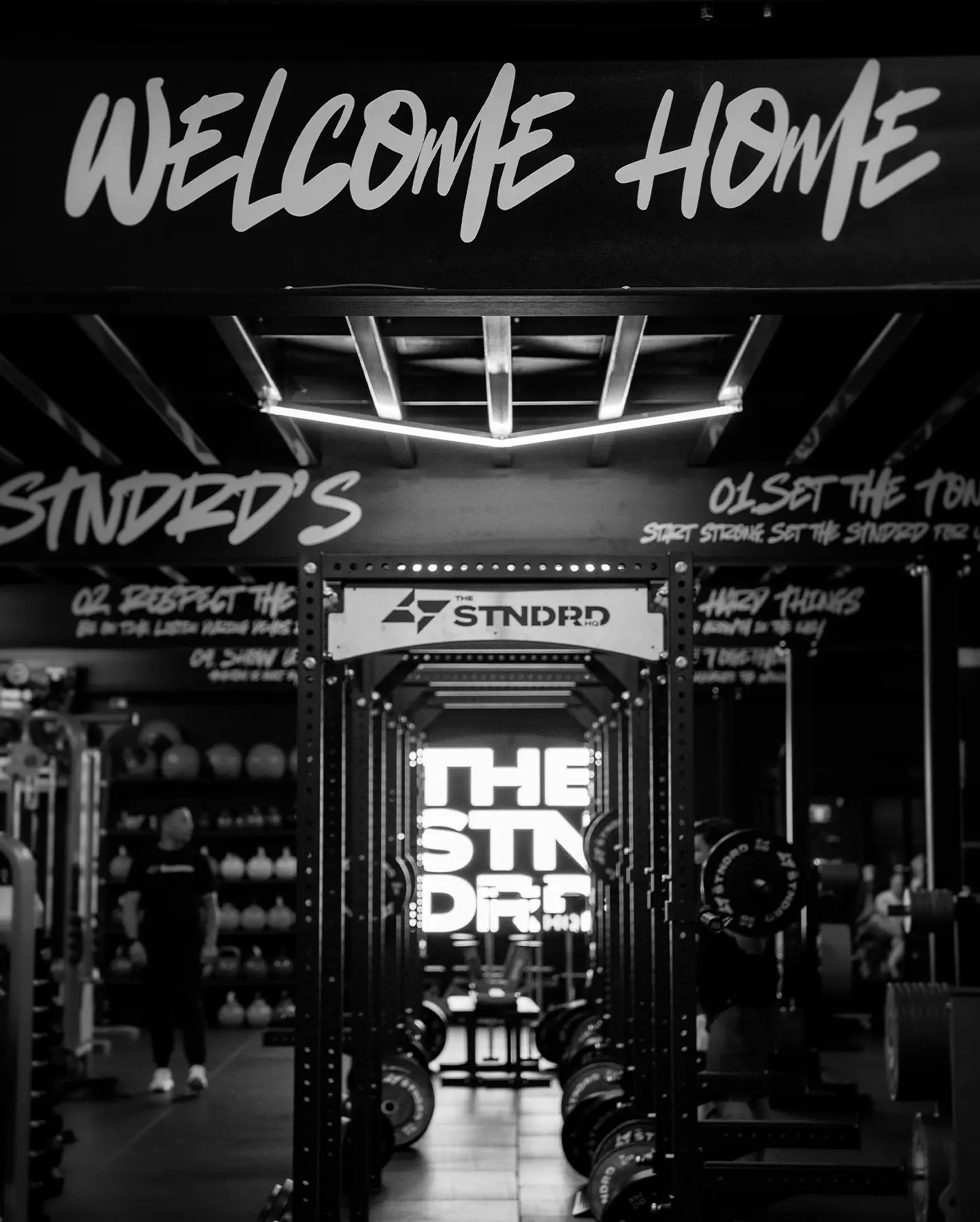
Welcome to
the STNDRD.
Everything you need before your first session: get the app, claim your free sessions and book in. It takes about five minutes.
Your first class
in five steps
- 01
Download the app
Get The STNDRD HQ app from the App Store or Google Play. It's where you book every class, manage your membership and see the timetable.
- 02
Create your account
Open the app and sign up with your name, email and mobile. Already booked with us through Mindbody? Log in with that same email so everything stays on one account.
- 03
Claim your 2 free sessions
New to the STNDRD? Your first two sessions are on us. Grab the free trial pass in the app, or claim it online.
- 04
Book your first class
Open the schedule in the app, pick a day and a class, and tap Book. Not sure which one? Leg Day, Upper Day and Hybrid Conditioning are great first sessions, and every class is coached for beginners.
- 05
Show up and train
Arrive a few minutes early and let the coach know it's your first session. They'll show you around both floors and take you through the class. Bring comfortable gear, closed-toe shoes and a water bottle.
Quick answers
I can’t log in to the app
Use the email you signed up with and tap “Forgot password” to reset it. Still stuck? Message us and we’ll sort it out.
How do I cancel a booking?
Open the class in the app and tap Cancel. Please cancel early if you can’t make it, so someone else can take your spot.
Can I bring my kids?
Yes. Our supervised crèche lets you train while your children are cared for. Your kids are added to your account so you can book them in with you.
Which membership should I choose?
Most members start on 3 or 4 sessions a week. Have a chat with the team after your free sessions. No pressure.

Questions before
you start?
Not sure where to start? Book your 2 free sessions, or call, message or email us and the team will help you pick the right classes. No pressure.